For the complete documentation index, see llms.txt. Markdown versions of all docs pages are available by appending .md to any docs URL.
Jaeger
Export agentgateway traces to Jaeger for local collection and visualization by using its built-in OTLP receiver and web UI.
Jaeger is an open-source distributed tracing platform that collects, stores, and visualizes traces. It is a quick way to get started with tracing for agentgateway because it ships with a built-in OTLP receiver, so you do not need a separate collector, and a web UI to browse and query spans.
Jaeger works best for local development and testing. For production deployments, consider routing traces through an OpenTelemetry Collector so that you can fan out to multiple backends or apply processing pipelines to your traces before exporting them.
The way you set up Jaeger depends on how you installed agentgateway.
Binary and Docker installations
Run a Jaeger container on the same host as agentgateway.
Start a Jaeger container on the same host that agentgateway runs.
docker run -d --name jaeger \
  -p 16686:16686 \
  -p 4317:4317 \
  -e COLLECTOR_OTLP_ENABLED=true \
  jaegertracing/all-in-one:latest
Point agentgateway at the Jaeger endpoint. You can make this change in the UI or in your configuration file.
Whether the UI can save depends on your storage mode. For more information, see Save changes from the UI.
Open the Settings > Observability page, such as http://localhost:15000/ui/settings/observability, and click the Tracing card.
Keep
localhost:4317for the Host and gRPC for the Protocol.Enter
truefor Random sampling.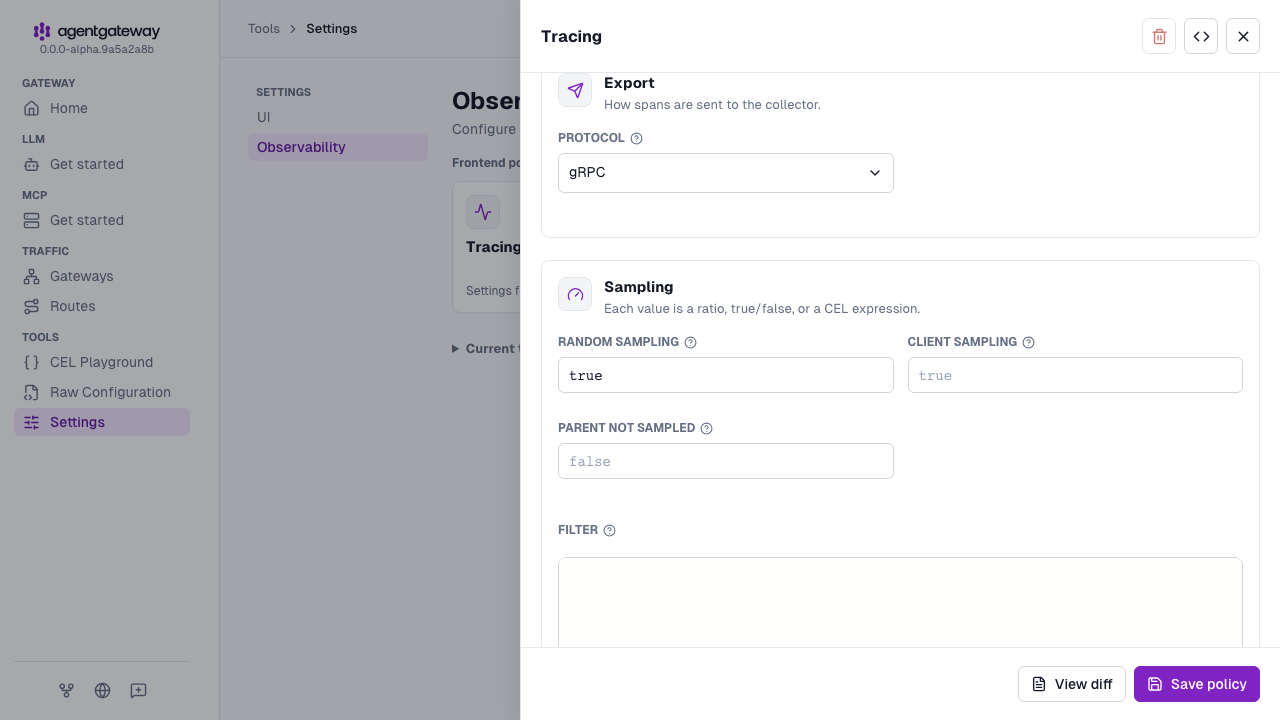
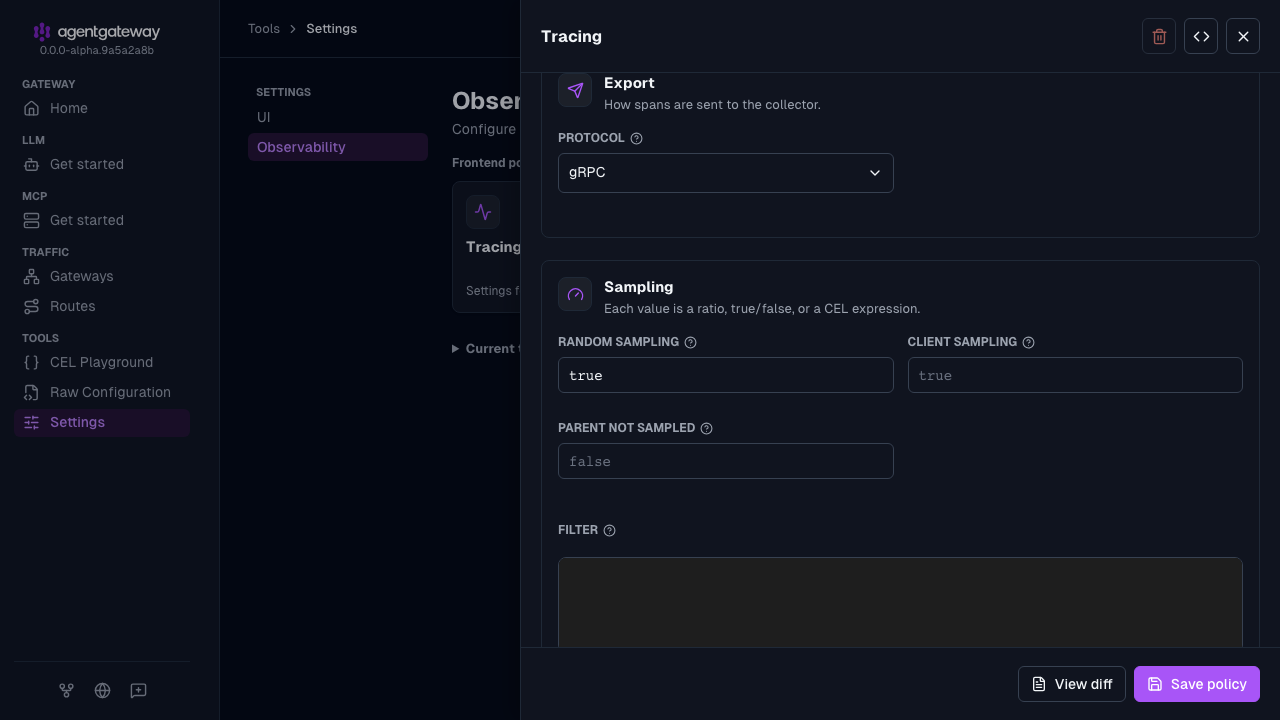
Click Save policy.
Open the Jaeger UI at http://localhost:16686 to view traces.
When you are done, remove the Jaeger container.
docker rm -f jaeger
Helm installations
Install Jaeger into your cluster by using Helm and point agentgateway at the Jaeger collector service.
Install the Jaeger Helm chart.
helm repo add jaegertracing https://jaegertracing.github.io/helm-charts
helm install jaeger jaegertracing/jaeger -n monitoring --create-namespace
Verify that the pods are up and running.
kubectl get pods -n monitoringUpdate your agentgateway
values.yamlto point at the Jaeger collector service. The chart takes the agentgateway configuration under the top-levelconfigfield.config: frontendPolicies: tracing: host: jaeger-collector.monitoring.svc.cluster.local:4317 randomSampling: trueApply the change with a Helm upgrade.
helm upgrade -i agentgateway-standalone \
  oci://cr.agentgateway.dev/charts/agentgateway-standalone \
  --namespace agentgateway-system \
  --version 0.0.0-latest-dev \
  --reuse-values \
  -f values.yaml
When you are done, remove Jaeger and the monitoring namespace.
helm uninstall jaeger -n monitoring
kubectl delete namespace monitoring
Other configurations
Review other common configuration examples.
Docker Compose
Run agentgateway and Jaeger together as a single Docker Compose stack. Jaeger is available to agentgateway at jaeger:4317, the Docker service name.
Create a
docker-compose.yamlfile with the following content.services: agentgateway: image: cr.agentgateway.dev/agentgateway:latest ports: - "3000:3000" volumes: - ./config.yaml:/config.yaml:ro command: ["-f", "/config.yaml"] depends_on: - jaeger jaeger: image: jaegertracing/all-in-one:latest ports: - "16686:16686" - "4317:4317" environment: - COLLECTOR_OTLP_ENABLED=trueIn your agentgateway config file, set the Jaeger service name as the tracing host.
# yaml-language-server: $schema=https://agentgateway.dev/schema/config
frontendPolicies:
  tracing:
    host: jaeger:4317
    randomSampling: true
Start the stack.
docker compose up -dOpen the Jaeger UI at http://localhost:16686 to view traces.
When you are done, stop and remove the stack.
docker compose down